

WEST MICHIGAN FUTSAL

Michigan Futsal Cup 2026
REGISTRATION LIVE
REGISTRATION LIVE


DECEMBER 4-6
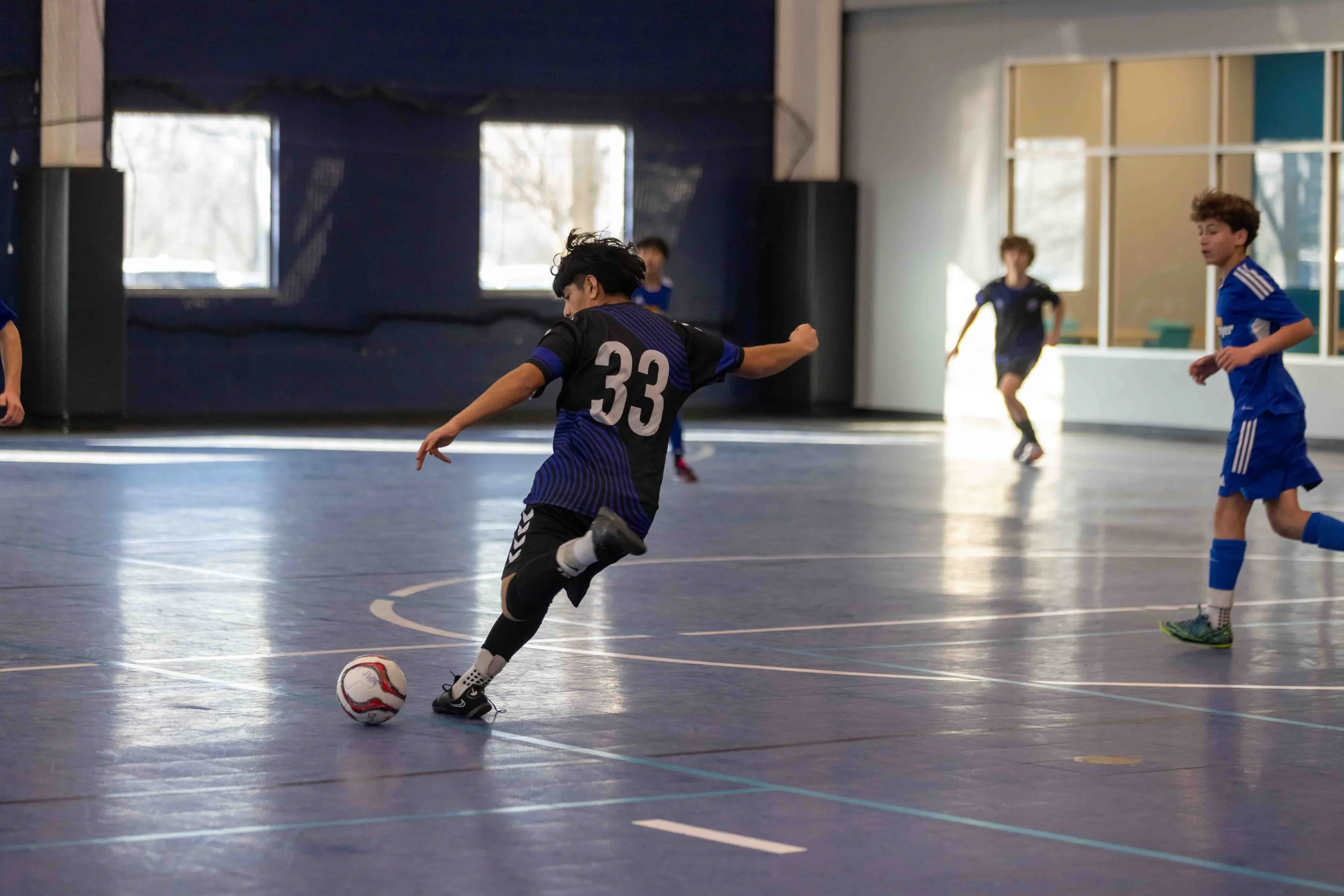
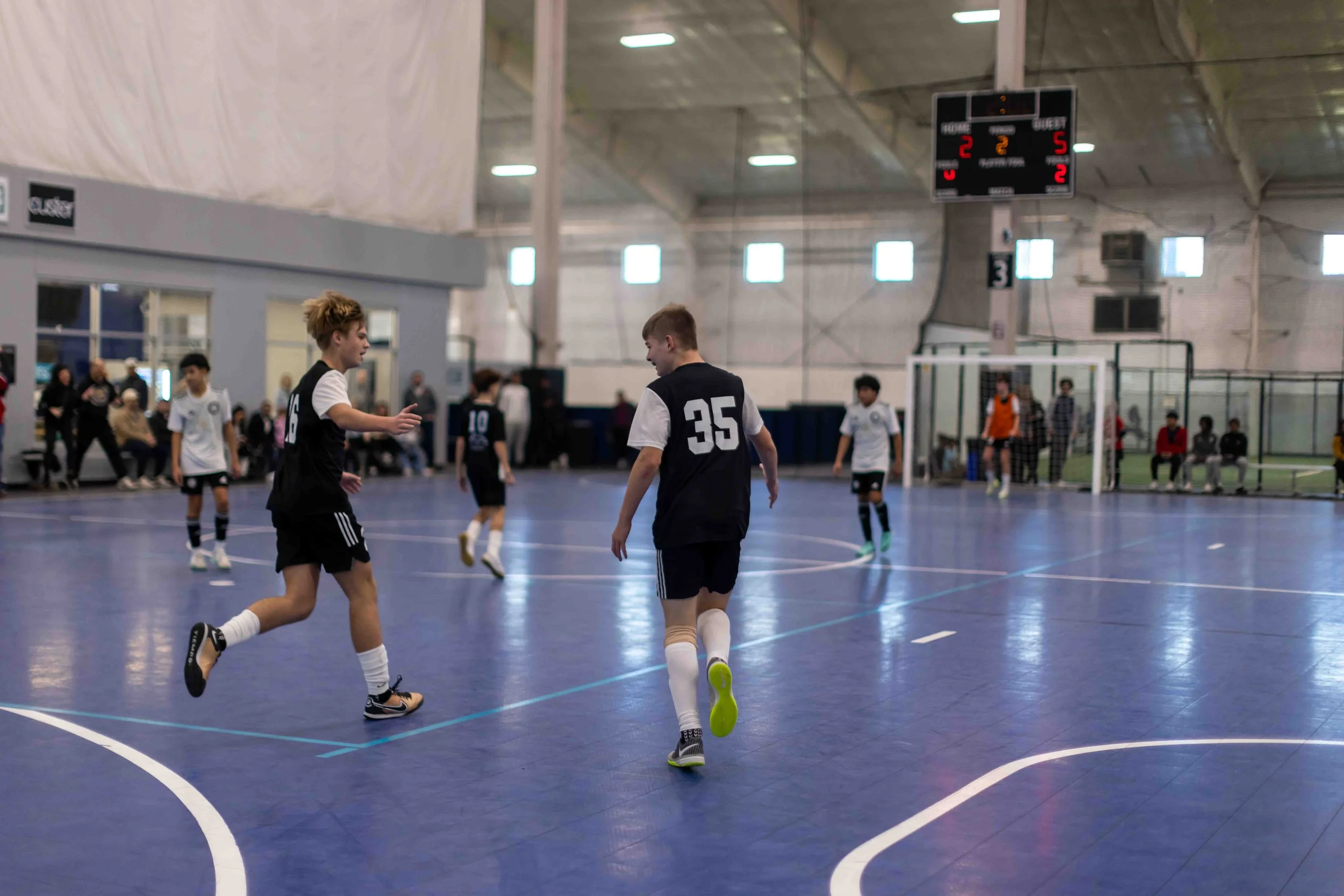
Co-hosted by ACGR and MIFFA, the Michigan Futsal Cup launches the 2026/27 futsal season with region-wide competition at West Michigan’s premier indoor facilities. With Elite and Select levels of play, the tournament provides a competitive environment for teams across a wide range of skill levels. TOURNAMENT INFORMATION
-
Dates: December 4-6, 2026
Location: Grand Rapids, MI
MSA Sport Spot (SS) | 3701 32nd St SE, Grand Rapids, MI 49512
MSA Fieldhouse (FH) | 5435 28th St Ct SE, Grand Rapids, MI
MSA Woodland (WD) | 2100 28th St SE, Grand Rapids, MI 49508
-
$550 per team
Divisions offered for U8 - U19 Boys and Girls.
Select and Elite levels of play offered.
NOTE: West Michigan Futsal events follow the August 1–July 31 age group player formation cycle, beginning with the 2026–27 season.
Please view the '2026-27 SEASON' chart.
-
5v5 (4v4 + keeper)
3 game minimum guarantee + potential playoffs
45 minute games (22-minute halves with 1 minute half-time)
-
1st and 2nd in each division will receive awards
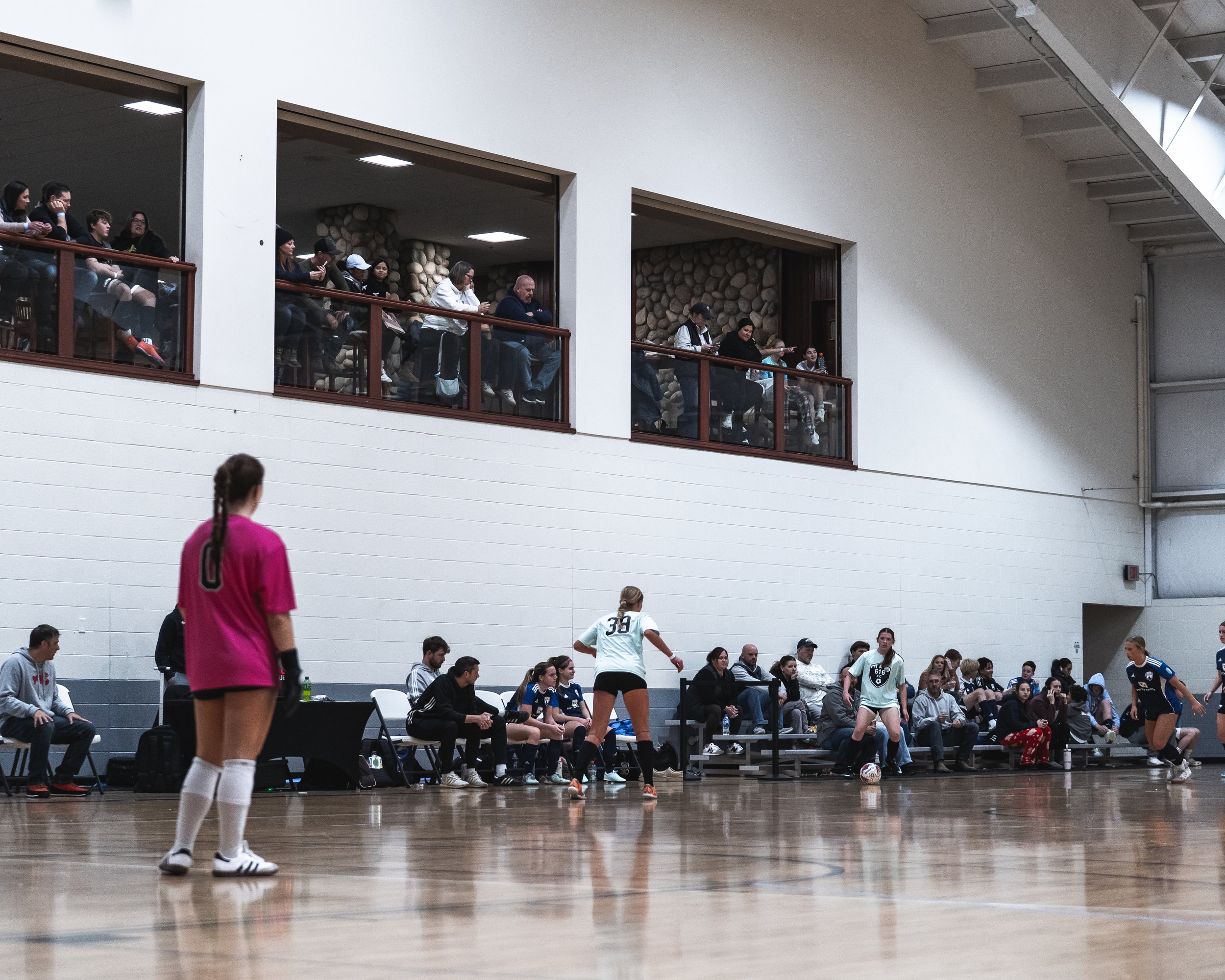
Admission is $10 for spectators 7 years of age and older. The wristband given at admission will be valid for each location all weekend. Coaches, managers, and competing players are free.
WEST MICHIGAN FUTSAL LEAGUE
Registration Deadline: November 20
BUILT FOR PLAYERS, CREATED BY COACHES.
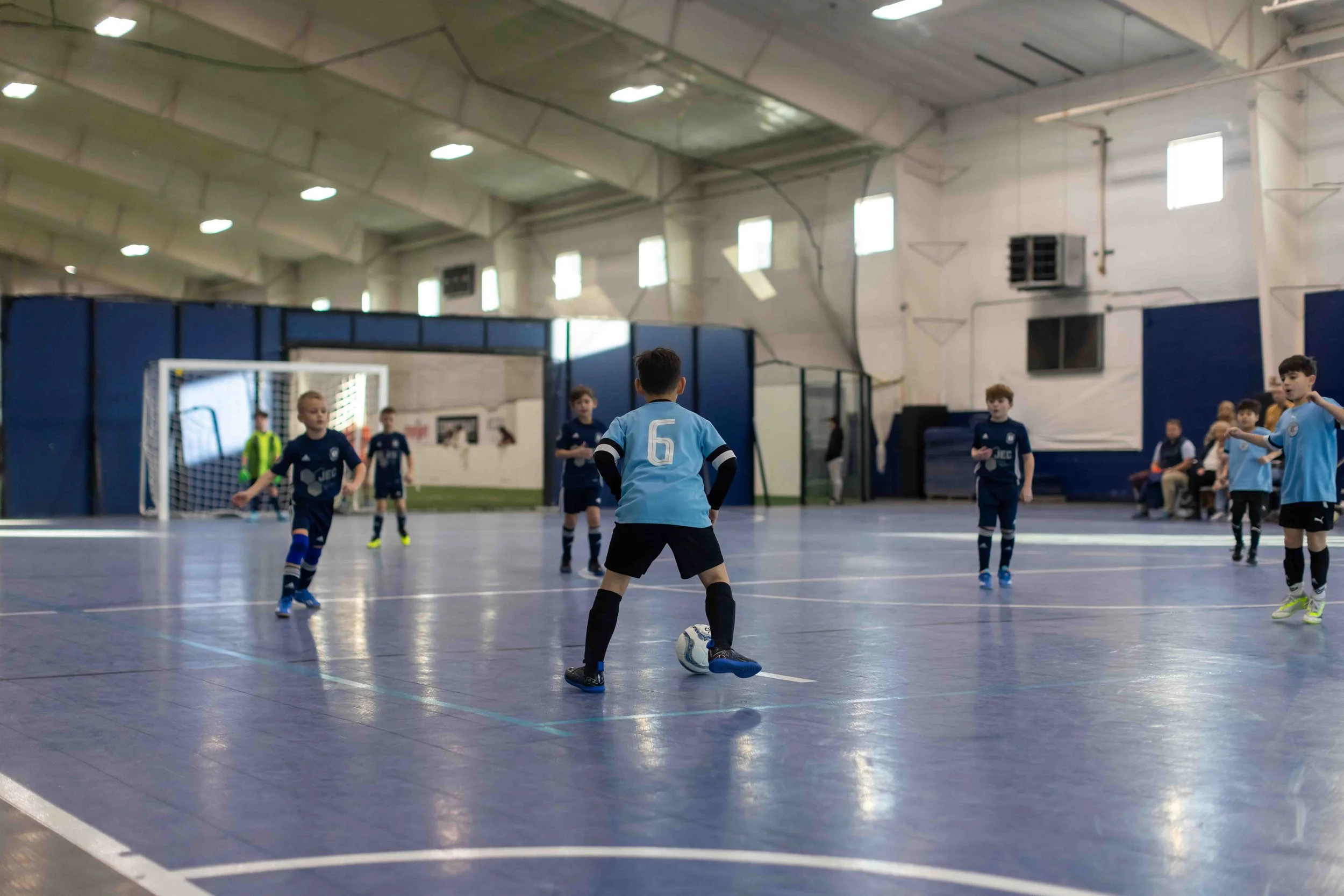
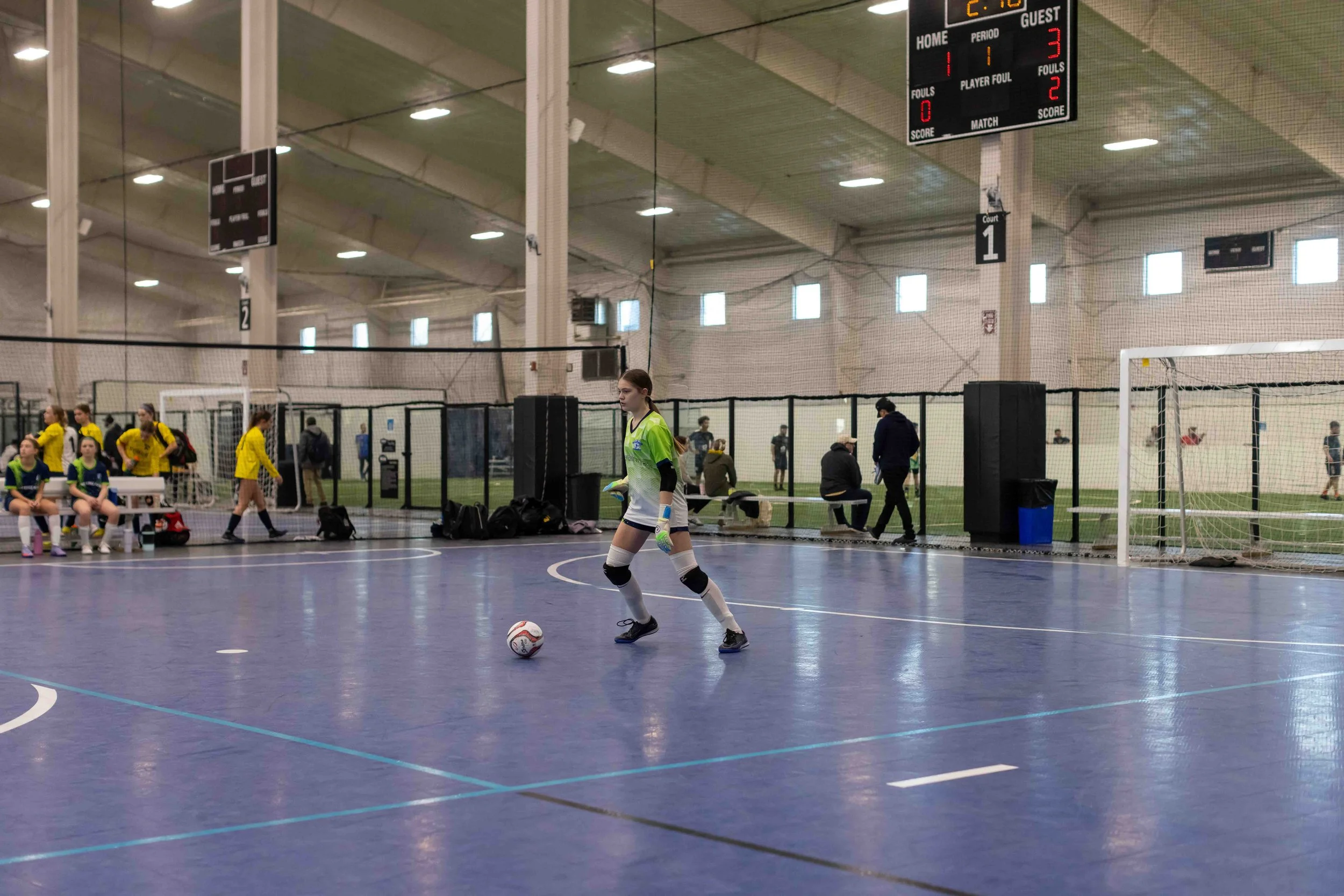
The West Michigan Futsal League returns this winter, offering competitive play for teams of all ages and skill levels. With divisions designed to create balanced competition that focuses on development and a scheduling format that fits your team's needs, WMFL is your team’s home.
Balanced Divisions
Coach Self-Scheduling
Transparent Pricing
Responsive, Experienced Staff
-
A simple and affordable futsal league backed by a full-time league staff. Built to provide a high-quality experience for clubs throughout West Michigan with an emphasis on development for players who want to compete and elevate their game for the Spring.
The WMFL exists to create competitive games that challenge players while keeping the emphasis on long-term development.
-
Flexible Scheduling / Division Placement
After matchups are created, coaches have the ability to secure game details with the opposing coach.
Before divisions are final, coaches will be able to review placement.
Quality Competition
Development-focused
Balanced divisions designed to create games that challenge and develop players.
Transparent Pricing
One affordable league fee with every cost clearly explained.
Dependable Facilities
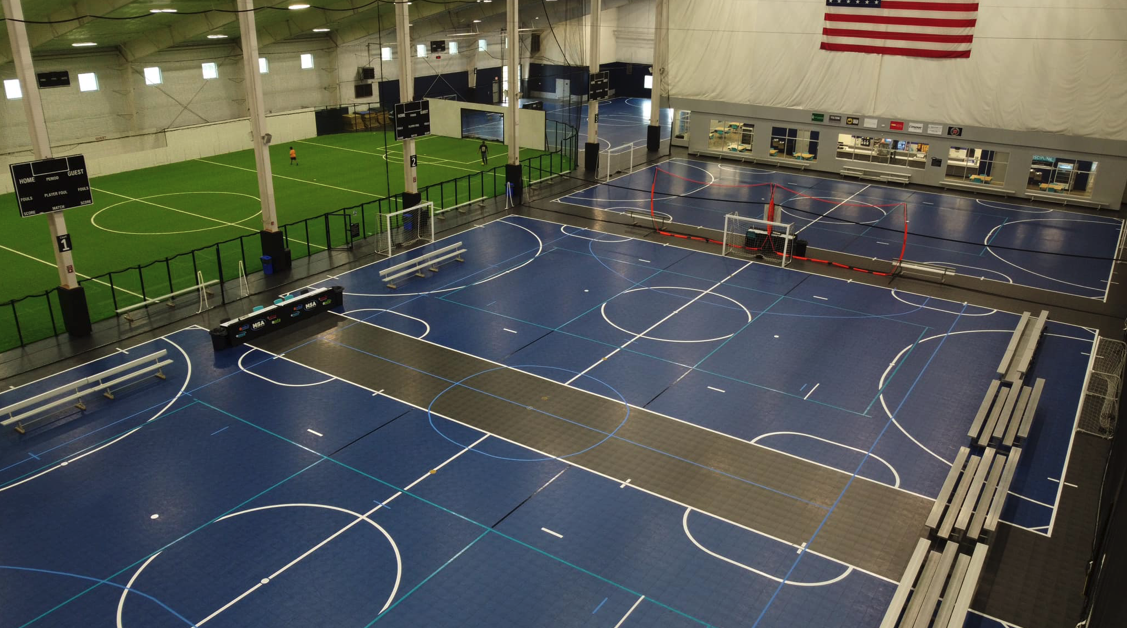
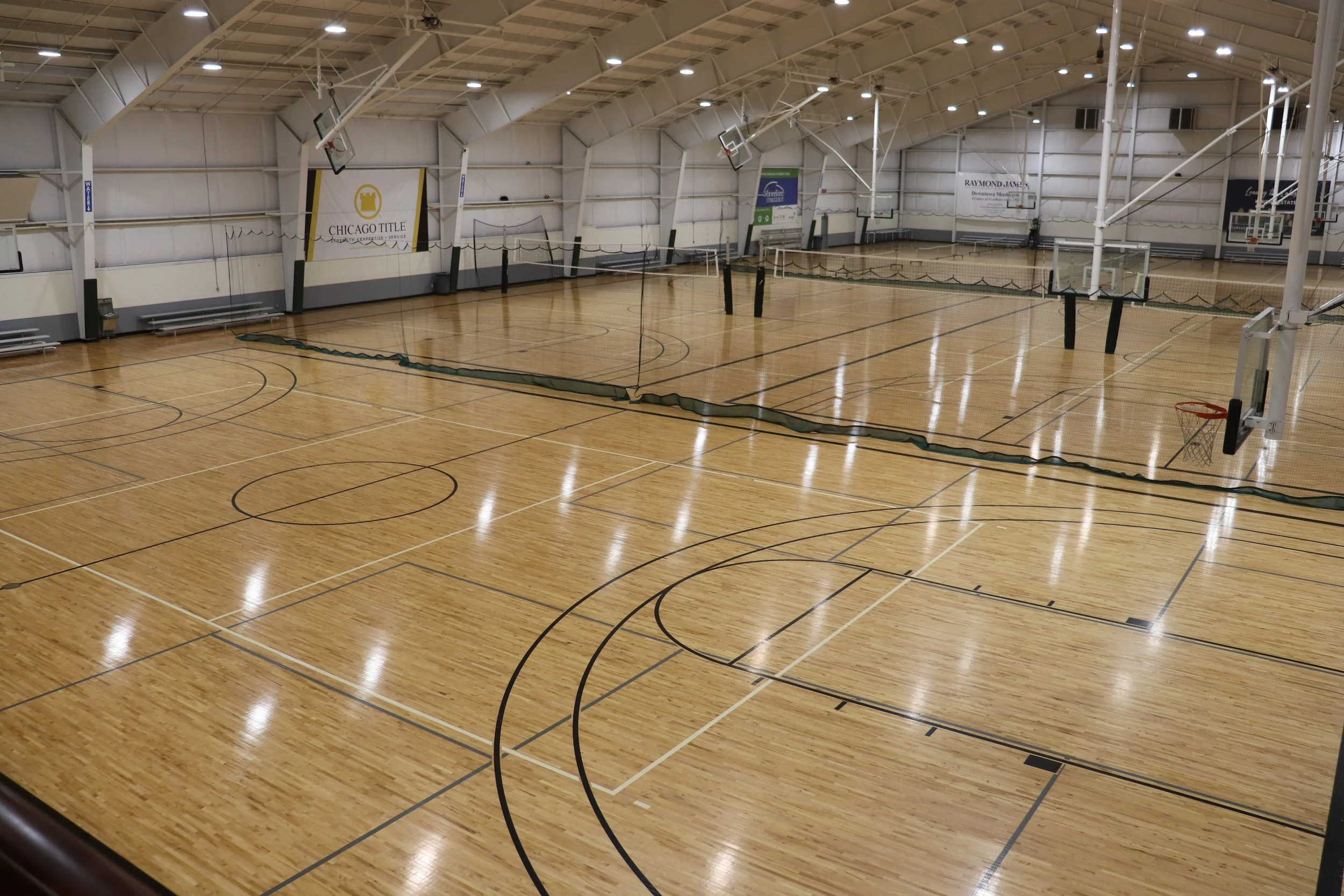
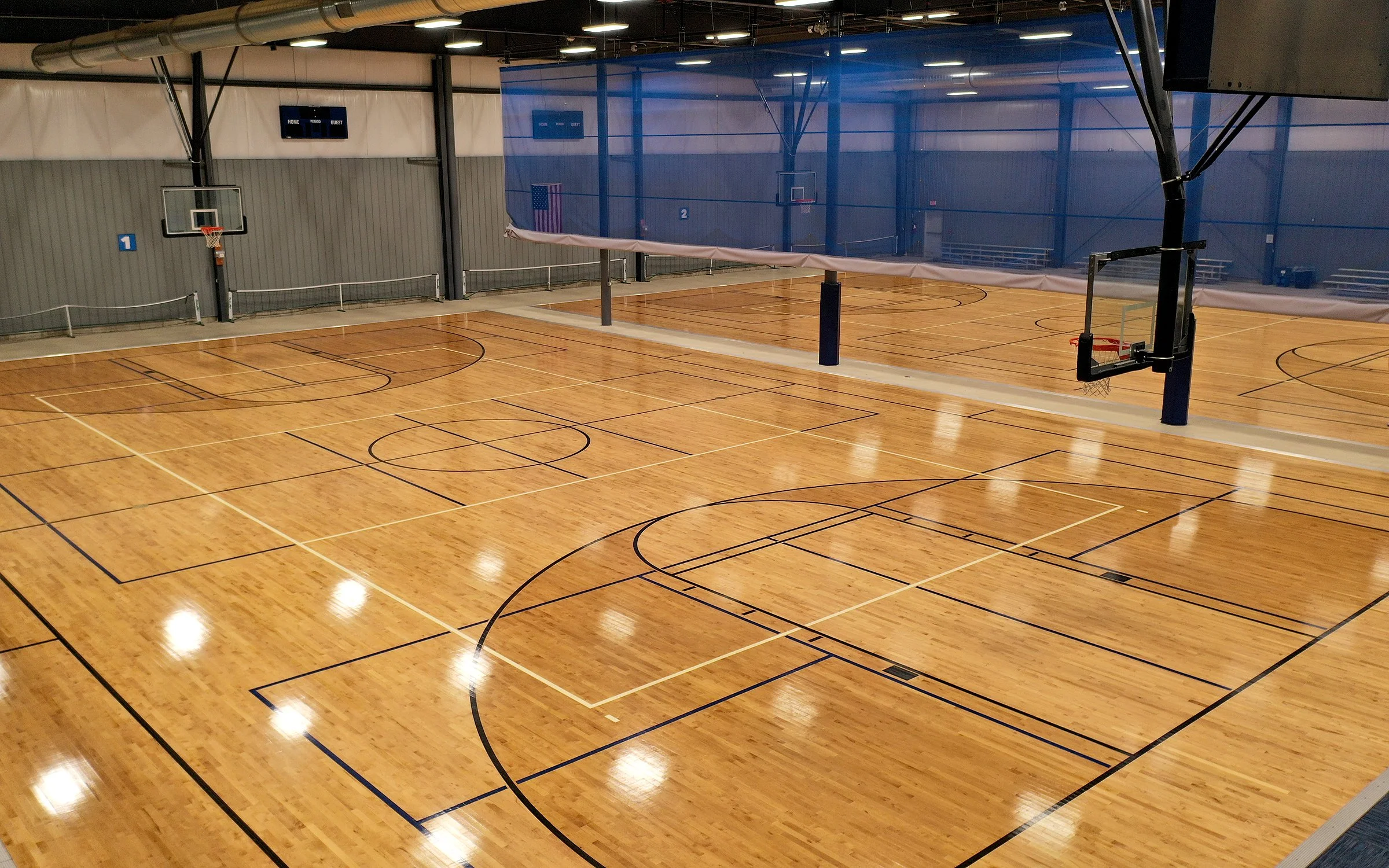
Three dedicated futsal venues across Grand Rapids, Holland, and Muskegon featuring regulation-size courts, full-time staff, concessions, and more.
Certified Officiating
Matches officiated by certified futsal referees who understand the game.
Matches will follow FIFA Futsal Laws while recognizing that some players are new to the game and may need guidance as they learn.
Every aspect of the league—from scheduling and communication to officiating and facilities—is designed to create a positive experience for players, coaches, and clubs.
LEAGUE INFORMATION
-
Start/End Dates: December 12 – February 21
Games: 8 league games
Scheduling: Coach Self-Scheduled
March-ups will be provided. All scheduling information will be included in a Google Sheet that will be shared and monitors by admin staff.
Home Facility: Each team selects one preferred home venue from the following locations.
Game Locations:
MSA Sports Spot – Grand Rapids
MSA Lakeshore – Holland
MSA SportHouse – Muskegon
Away matches may be played at any of the three facilities.
-
Registration Deadline: November 20
Divisions Posted / Self-Schedule Start: November 23
The scheduling sheet with all contact and matchup information will be shared on this date.
Schedules Final: December 1
Weekend Play Dates:
December 12-13
January 16-17
January 23-25
January 30-31
February 13-14
February 20-21
-
Everything included in one fee. No facility charges. No referee payments on game day.
League Fee: $595
Breakdown of league fee and what’s covered:
Court Rental | $240
Futsal Referees | $240
Referee Assigning | $65
League Administration | $50
Age Groups: U7–U14 + HS Open | Boys and Girls

Chocolate milk futsal Cup - WEST 2027
REGISTRATION LIVE
-
REGISTRATION LIVE -

JANUARY 8-10, 2027
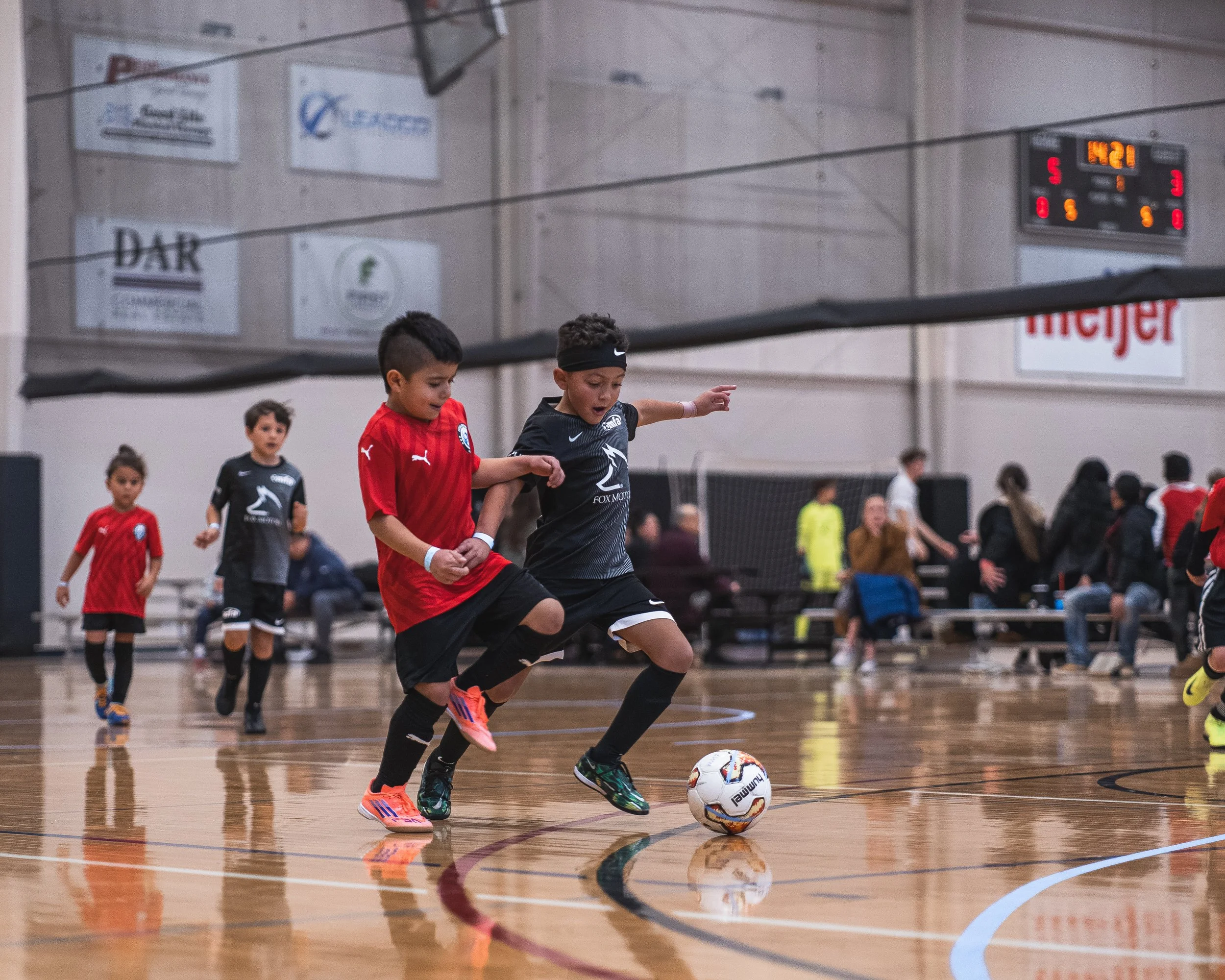
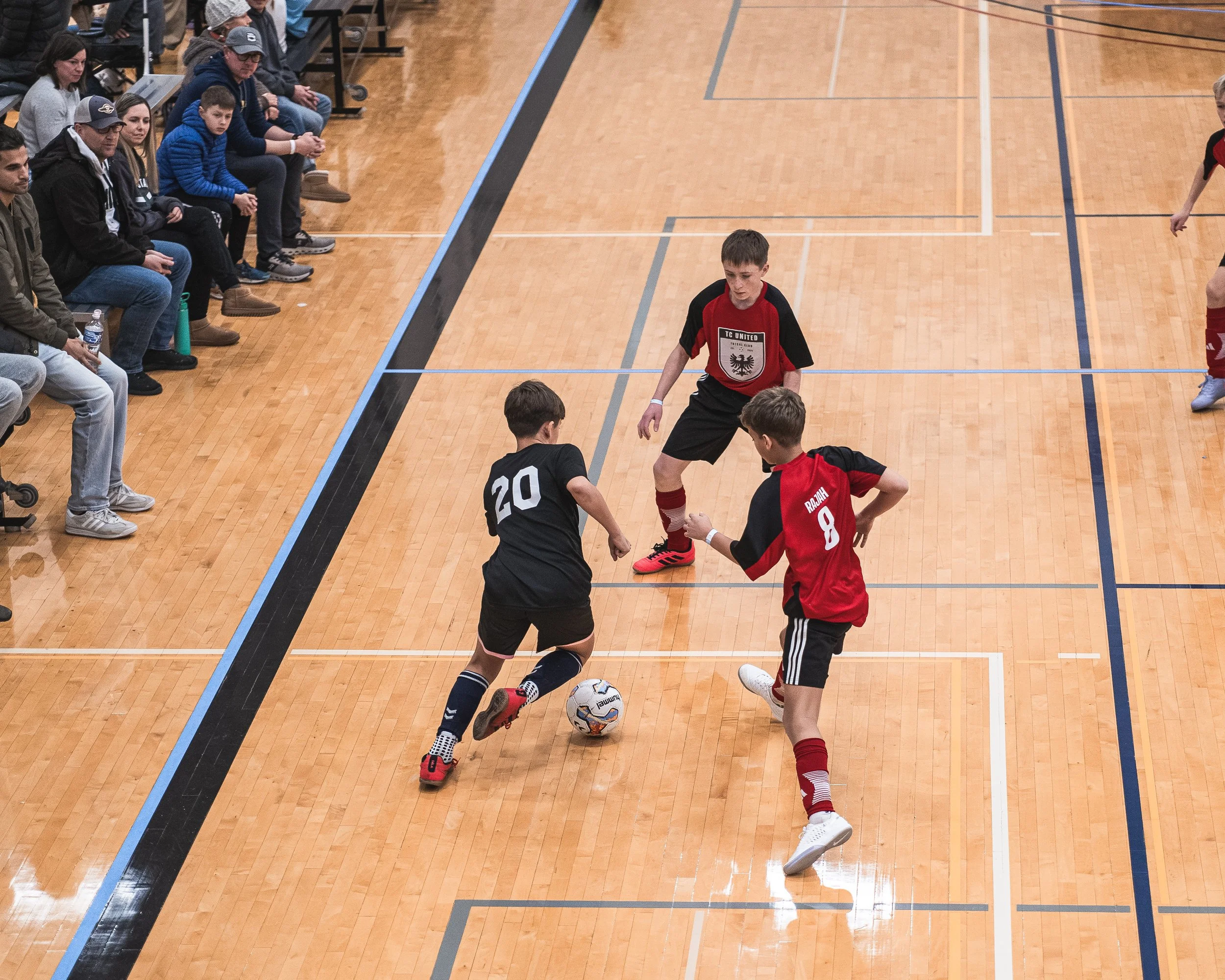
The Chocolate Milk Futsal Cup Series expands with CMFC – West. Co-hosted by ACGR and MIFFA, Grand Rapids's newest event brings fast-paced competition, coupled with a diverse range of competition, to West Michigan's top indoor facilities. TOURNAMENT INFORMATION
-
Dates: January 8-10, 2027
Location: Grand Rapids, MI
MSA Sport Spot (SS) | 3701 32nd St SE, Grand Rapids, MI 49512
MSA Fieldhouse (FH) | 5435 28th St Ct SE, Grand Rapids, MI
MSA Woodland (WD) | 2100 28th St SE, Grand Rapids, MI 49508
-
$550 per team
Divisions offered for U8 - U19 Boys and Girls.
Select and Elite levels of play offered.
-
5v5 (4v4 + keeper)
3 game minimum guarantee + potential playoffs
45 minute games (22-minute halves with 1 minute half-time)
-
1st and 2nd in each division will receive awards
Admission is $10 for spectators 7 years of age and older. The wristband given at admission will be valid for each location all weekend. Coaches, managers, and competing players are free.

USYF LAKE SHORE REGIONAL 2027
REGISTRATION LIVE
-
REGISTRATION LIVE -
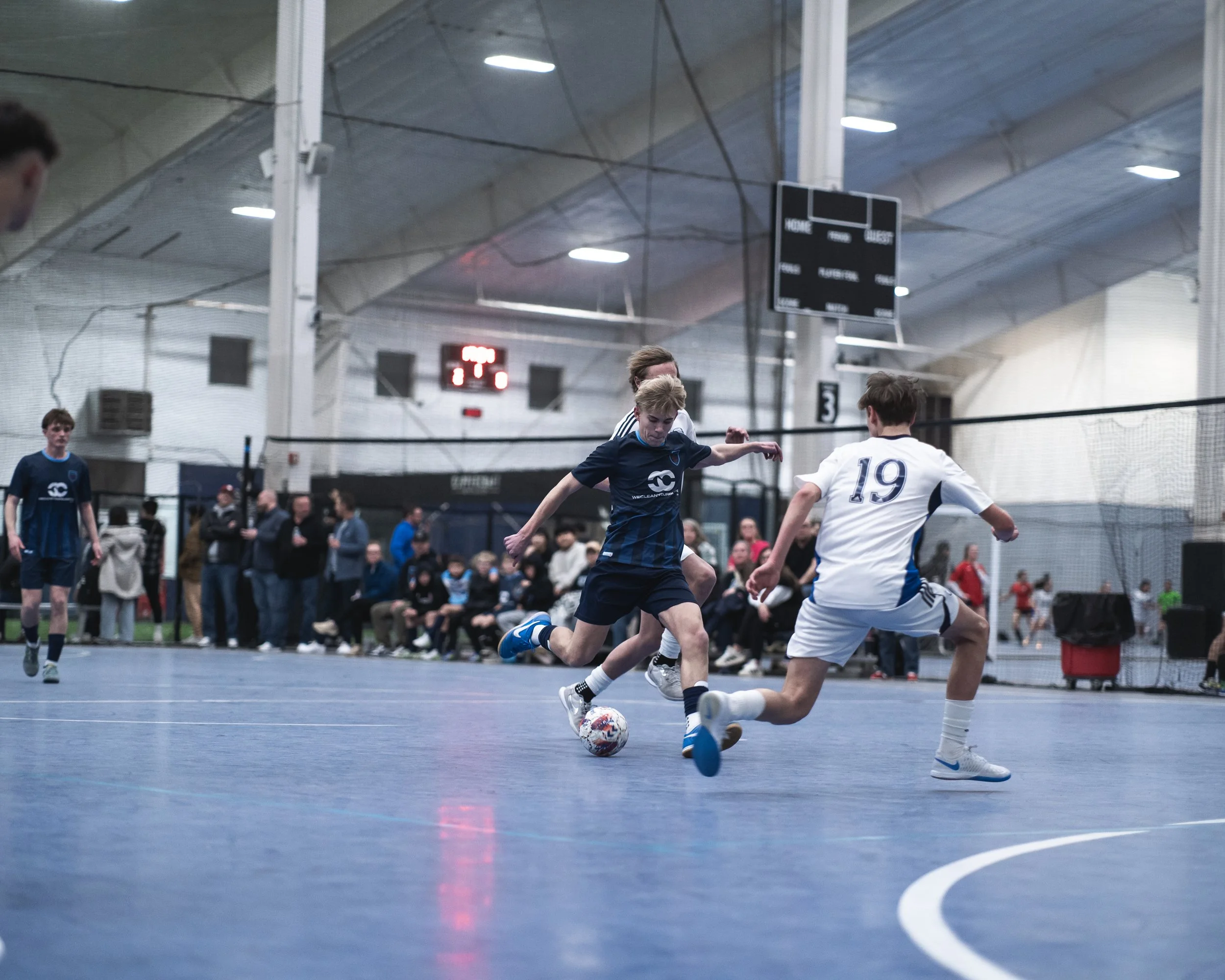
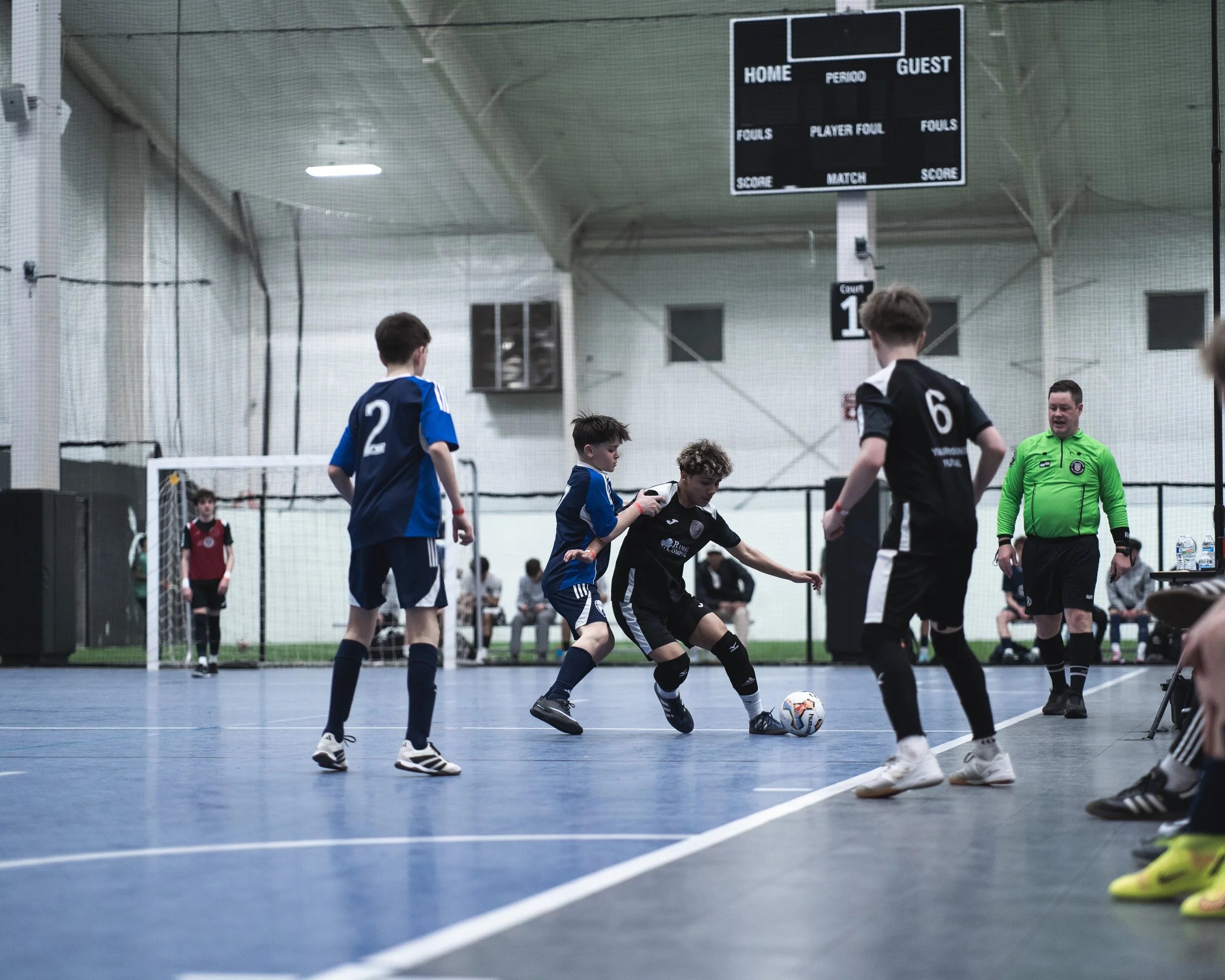
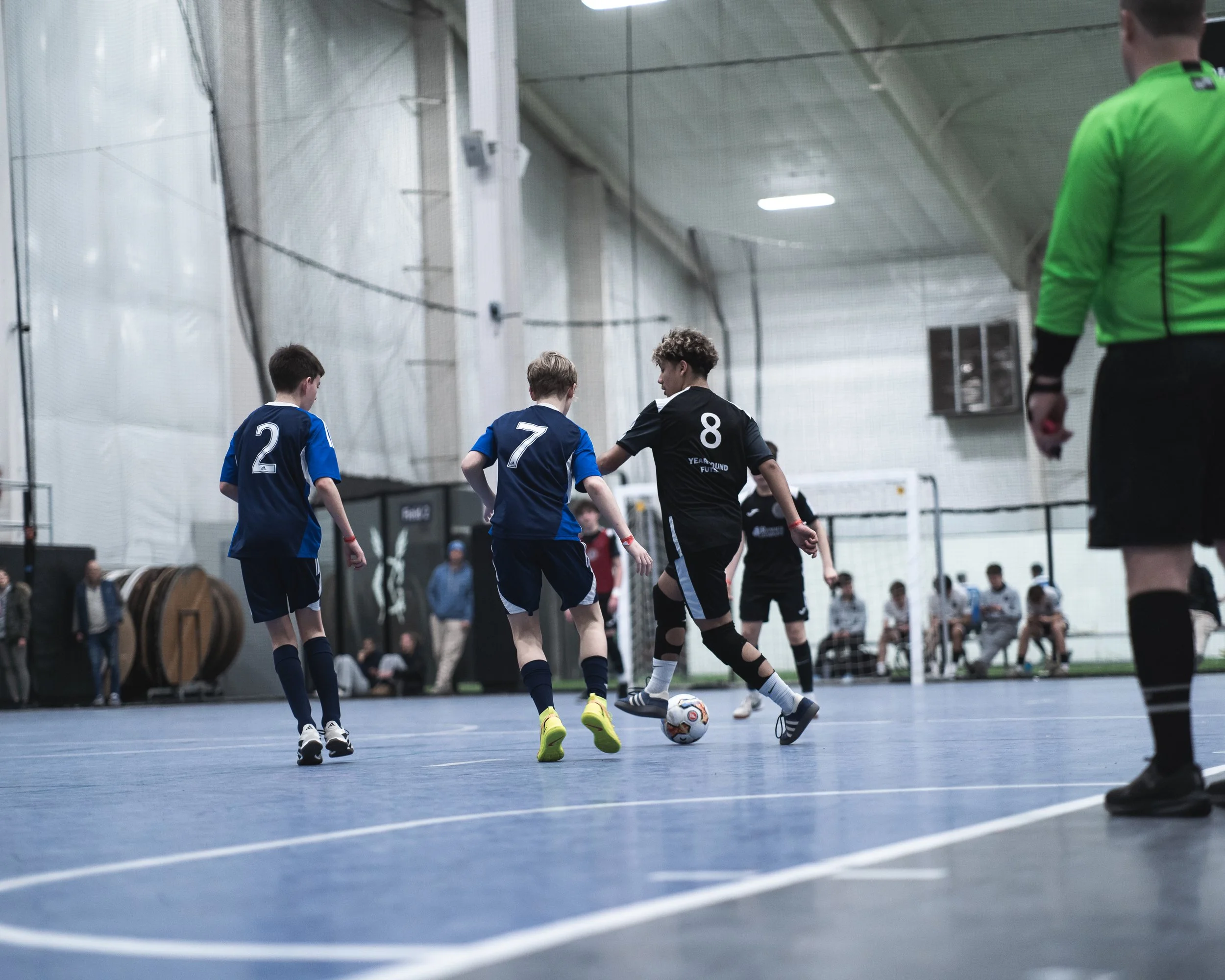
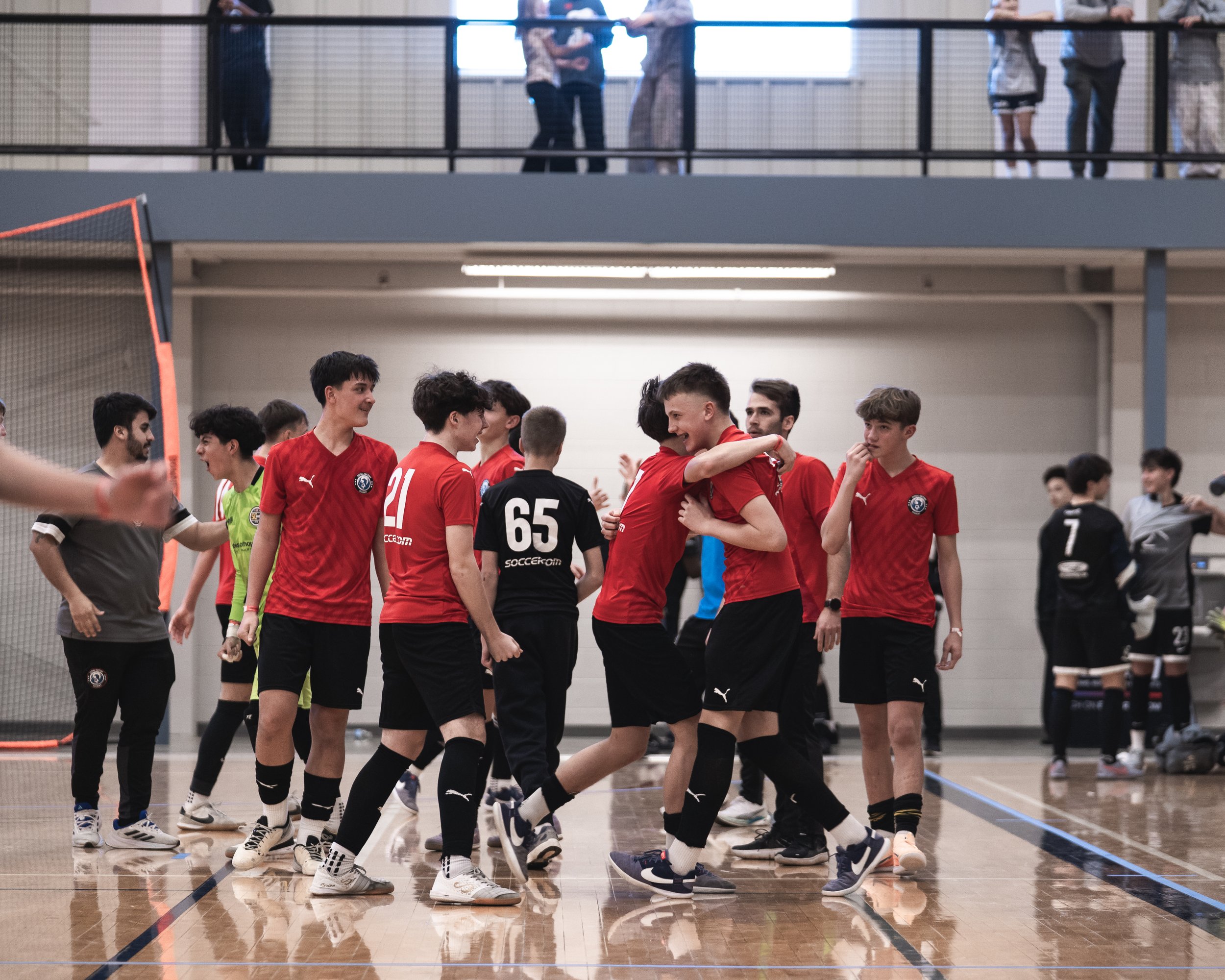
FEBRUARY 5-7, 2027
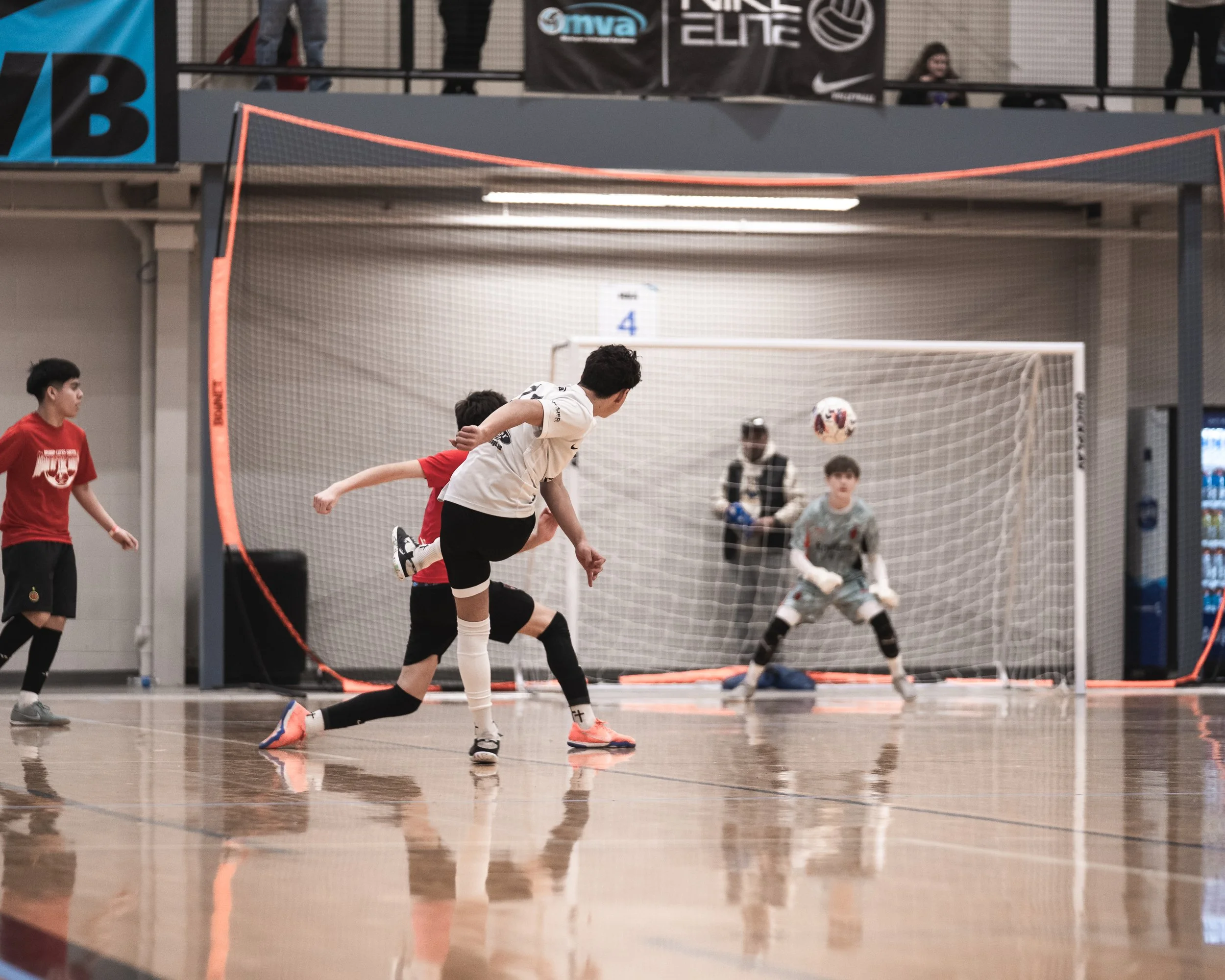
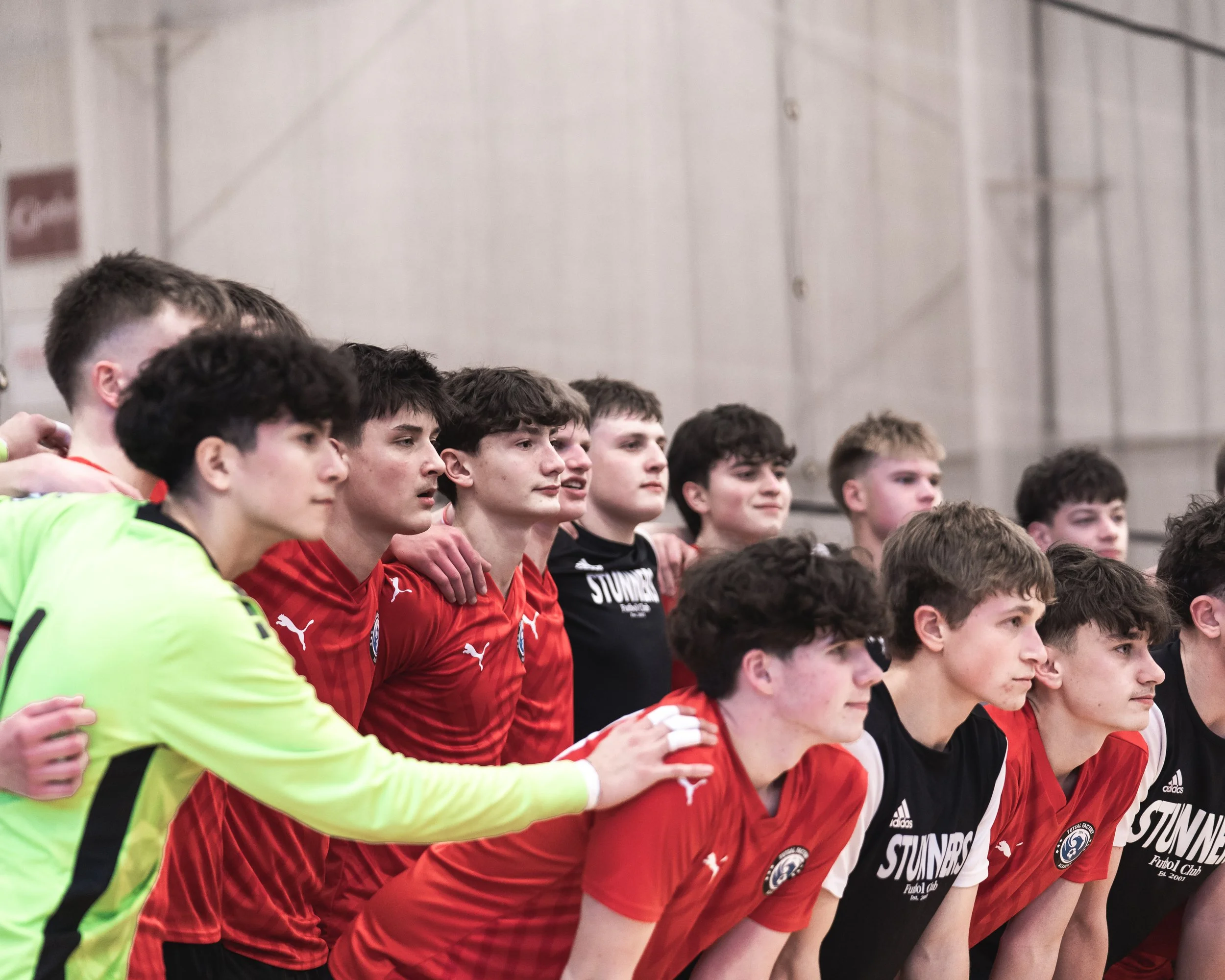
Your journey to the USYF National Championships starts here! Compete against top-tier competition from the entire region and Canada. INFORMATION
-
Dates: February 5-7, 2027
Location: Grand Rapids, MI
MSA Sport Spot (SS) | 3701 32nd St SE, Grand Rapids, MI 49512
MSA Fieldhouse (FH) | 5435 28th St Ct SE, Grand Rapids, MI
MSA Woodland (WD) | 2100 28th St SE, Grand Rapids, MI 49508
-
Divisions: U9 - U18 divisions are offered for boys and girls.
Two registration options are available: Standard and Silver (non-qualifying).
SILVER DIVISION
The Silver Division (NQ) offers teams the full tournament experience in a competitive but non-qualifying format at a lesser price. All NQ divisions follow the same tournament and gameplay structure. Champions and finalists do not earn a bid to USYF Nationals. Medals are awarded.
Price: Price: $600
Location: Grand Rapids, MI
Level: Second-Tier elite
Non-qualifying division (champions do NOT earn a bid to USYF Nationals)
STANDARD DIVISION
The Standard Divisions serve as an official USYF Nationals Qualifier, hosted in Grand Rapids, MI. Elite teams from across the region will compete for their chance to secure a Nationals bid.
Price: $675
Location: Grand Rapids, MI
Level: Elite
USYF National-Qualifier (champions earn a bid to USYF Nationals)
-
3 game minimum guarantee + potential playoffs
24-minute halves
All matches played on new Sportcourt and newly finished hardwood
-
1st and 2nd in each division will receive awards and earn a bid to USYF Nationals for the standard qualifying divisions (not Silver Divisions).
Admission is $10 for spectators 7 years of age and older. The wristband given at admission will be valid for each location all weekend. Coaches, managers, and competing players are free.
-
Please view the full WMF rules below.
IMPORTANT - Parent and Spectator Conduct
Parent and spectator misconduct will not be tolerated during any futsal tournament games. Coaches are responsible for the behavior of their team’s supporters, including parents and spectators.
If inappropriate behavior occurs, the following steps will be taken:
First Offense: The referee will issue a verbal warning to the offending team’s coach.
Second Offense: The referee may issue a caution (yellow card) to the coach.
Third Offense: The referee may eject the coach (red card) from the match.
If a team does not have a remaining registered coach on the bench following an ejection, the team will forfeit the match.
We expect all parents and spectators to maintain a positive and respectful environment that promotes sportsmanship and the spirit of competition.
West Michigan Futsal Cup 2027
REGISTRATION LIVE
-
REGISTRATION LIVE -
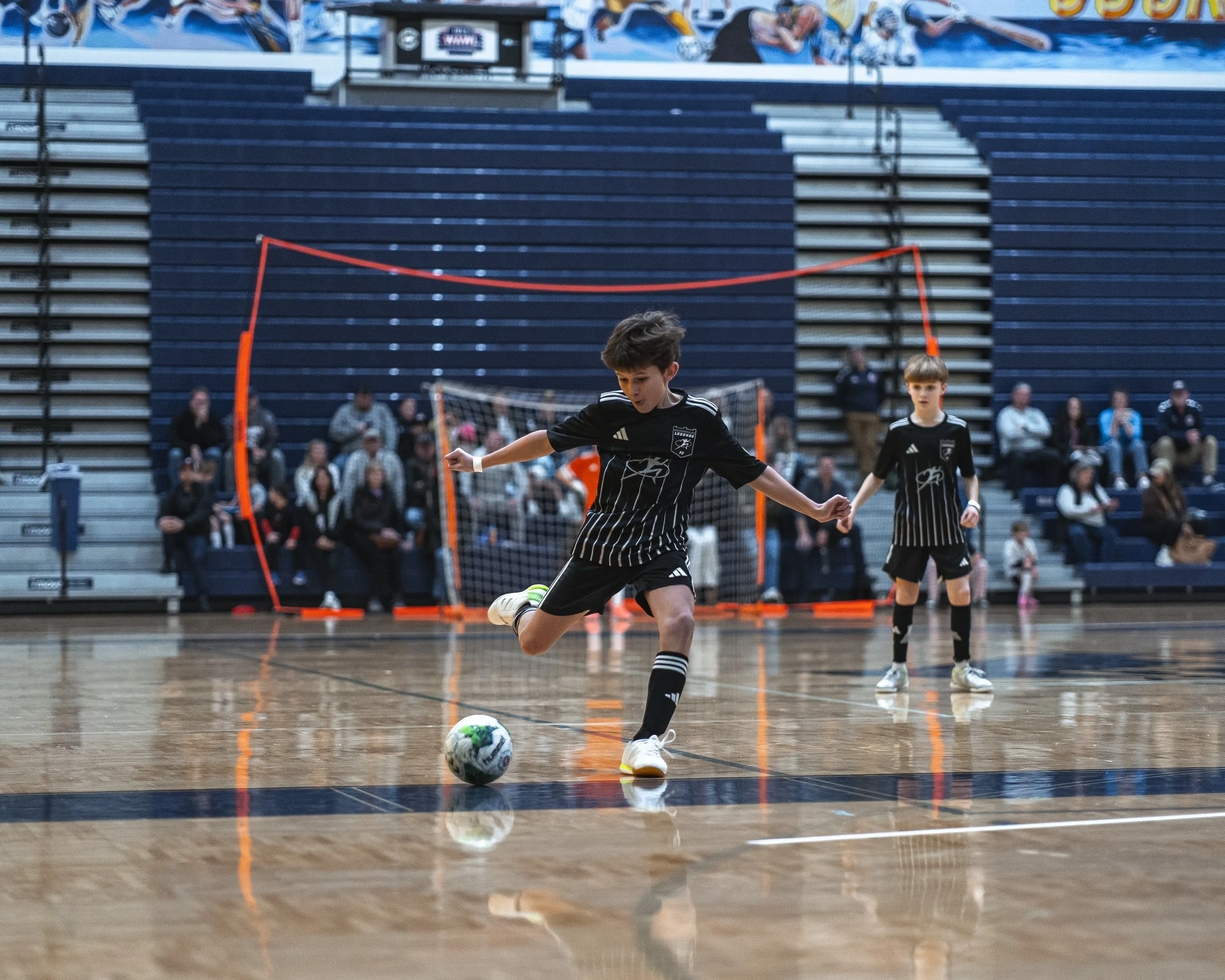
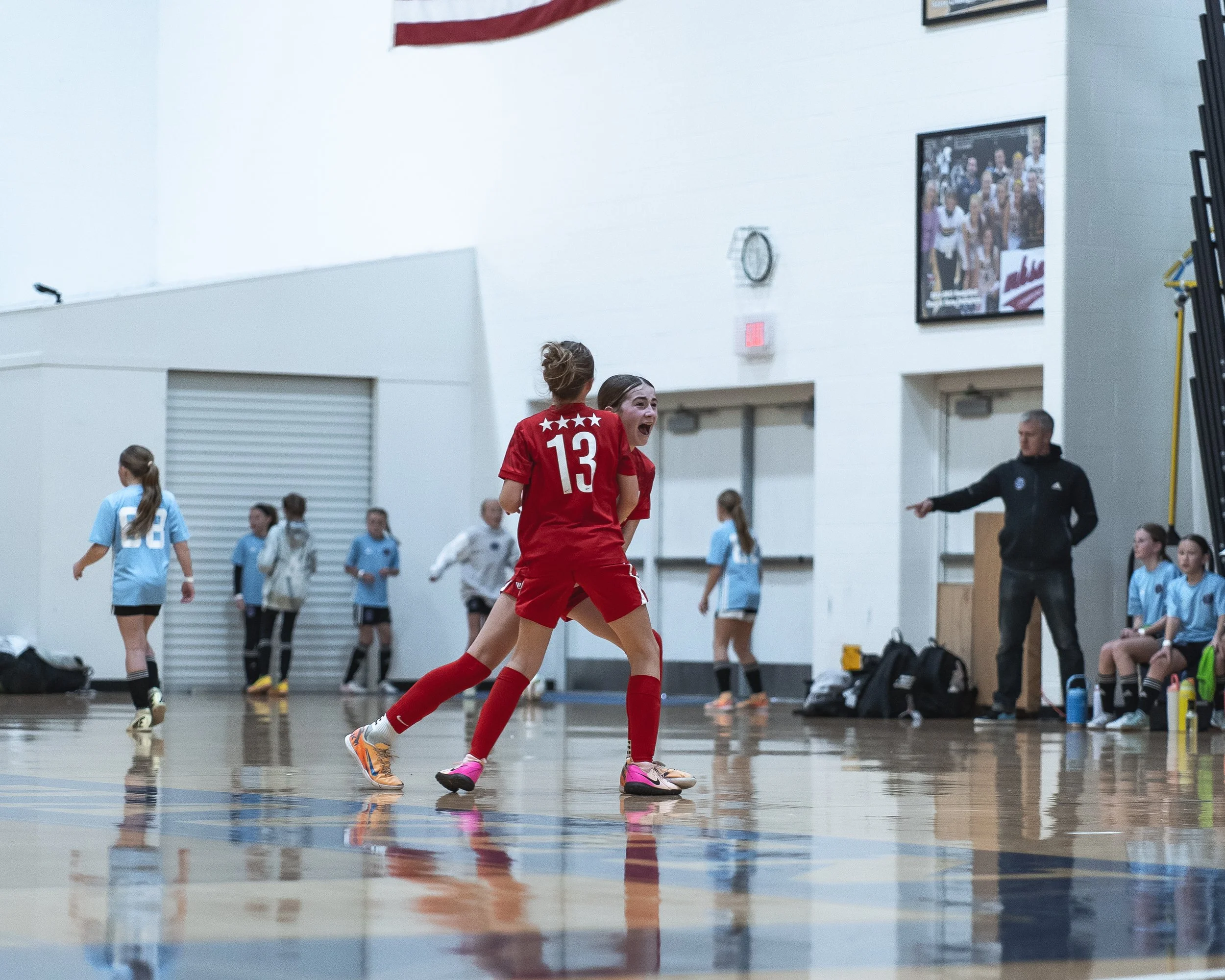
February 26-28, 2027
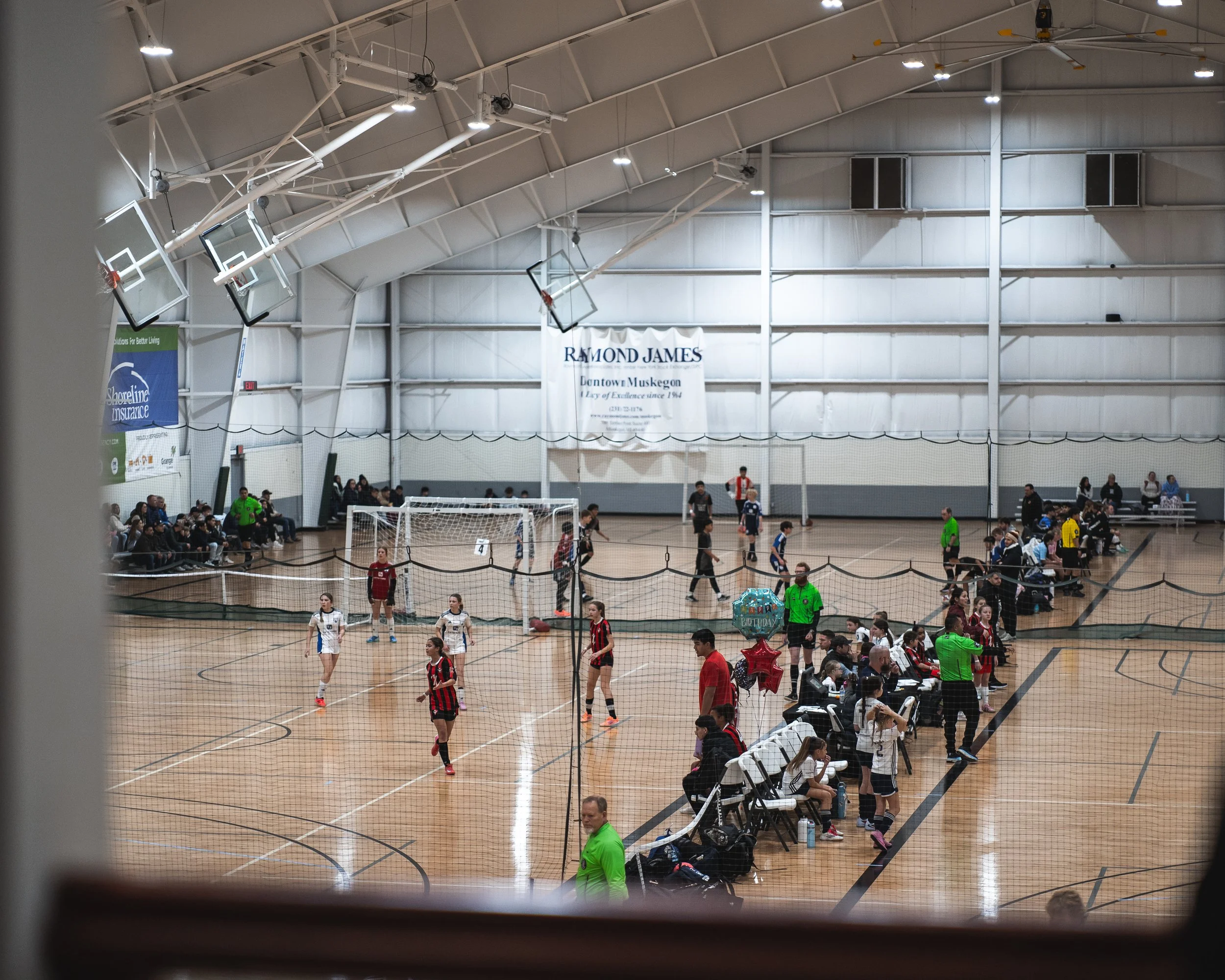
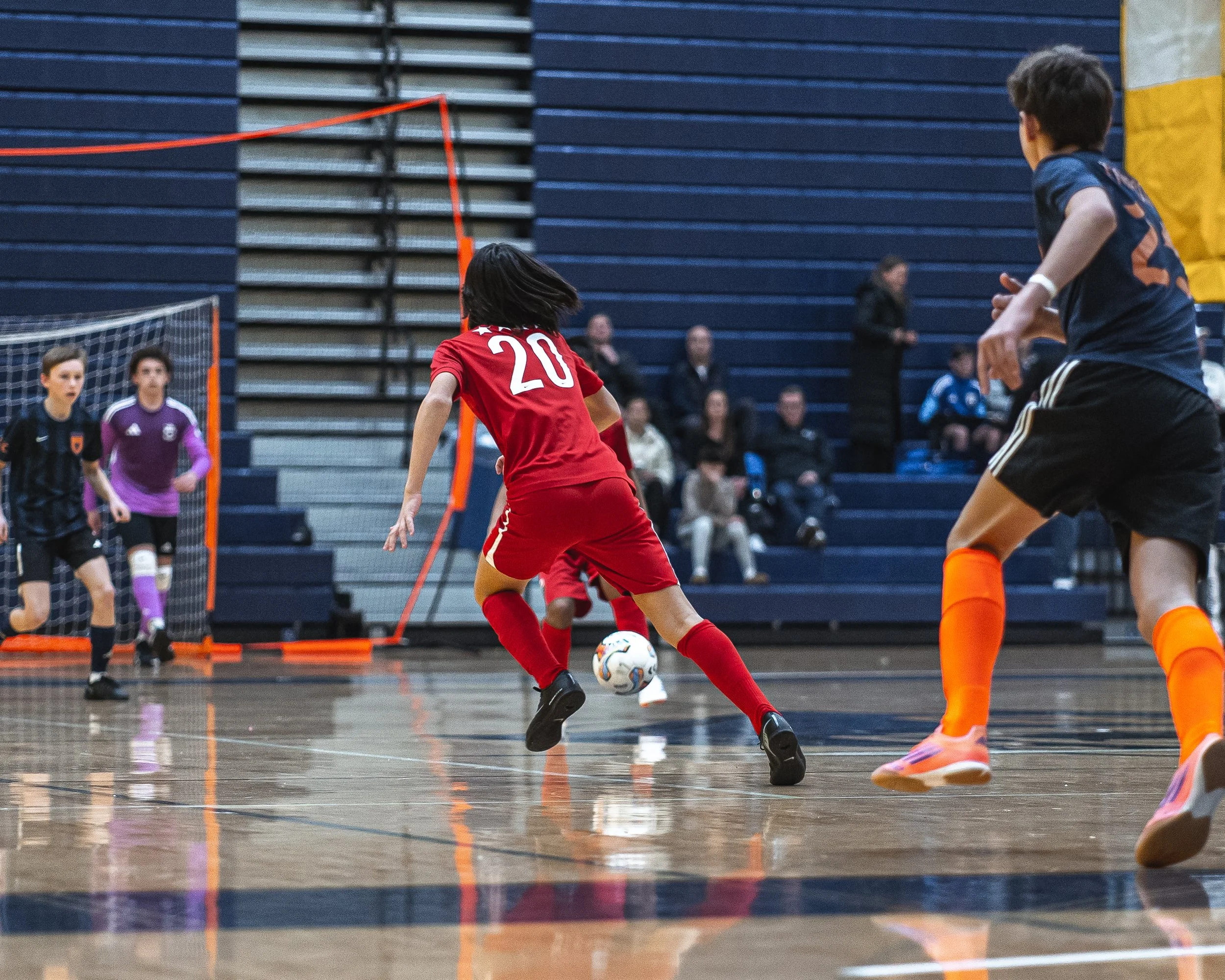
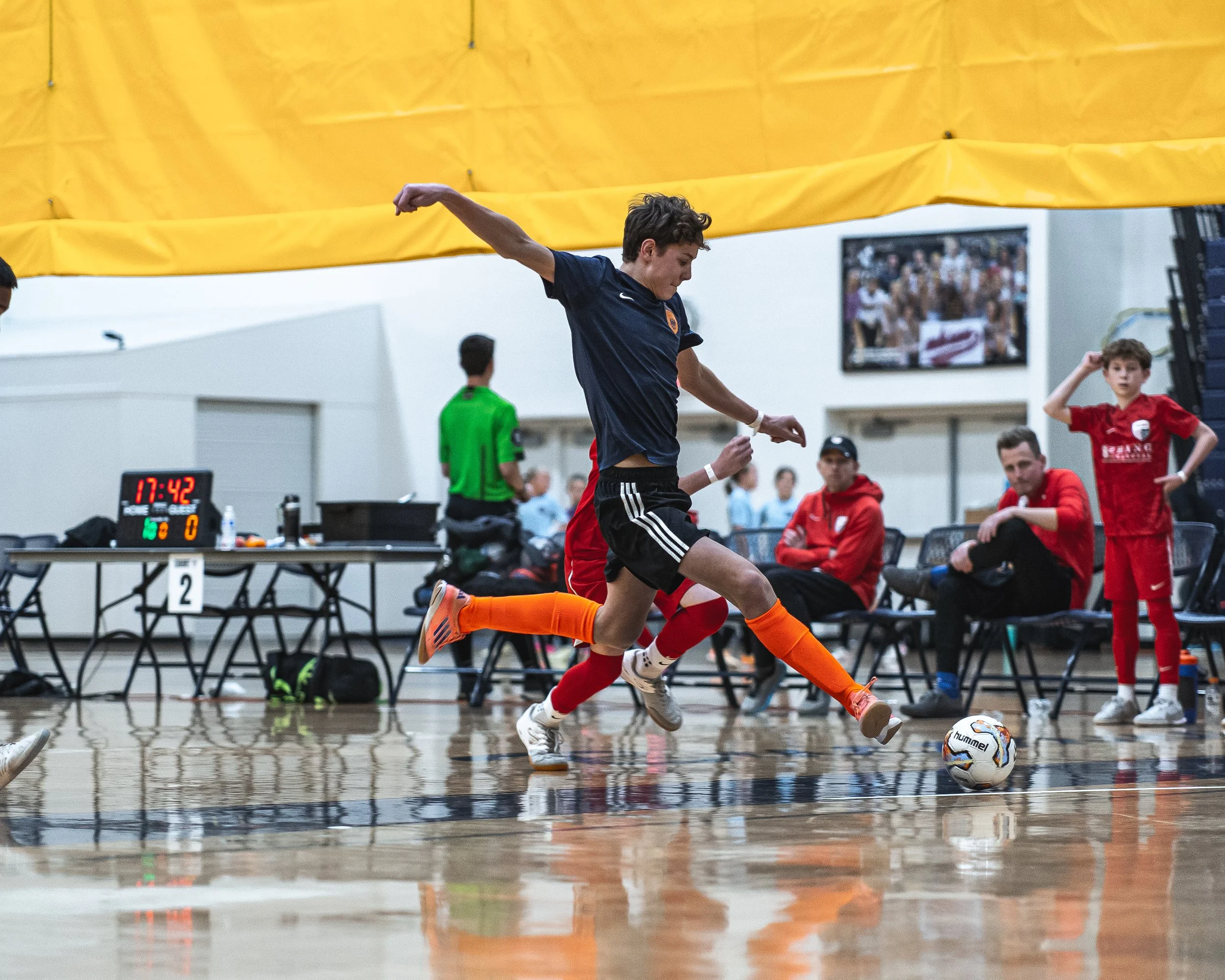
Join WMF and over 200 teams on the Lakeshore in late February for a weekend of competition built for every level. Whether your team is new to futsal or experienced on the court, there’s a division for every team.
TOURNAMENT INFORMATION
-
Dates: February 26-28, 2027
Location: Norton Shores, MI
Facility Addresses:
MSA SportHouse (SH) | 1350 Judson Rd, Norton Shores, MI 49456
Grand Haven High School (GH) | 17001 Ferris St, Grand Haven, MI 49417
MSA Lakeshore (LS) | 12429 Ransom St, Holland, MI 49424
-
$550 per team
Divisions offered for U7 - U19 Boys and Girls.
All levels offered (State Level, Higher/Lower Level Select)
-
5v5 (4v4 + keeper)
3 game minimum guarantee + potential playoffs
45 minute games (22-minute halves with 1 minute half-time)
-
1st and 2nd in each division will receive awards
Admission is $10 for spectators 7 years of age and older. The wristband given at admission will be valid for each location all weekend. Coaches, managers, and competing players are free.